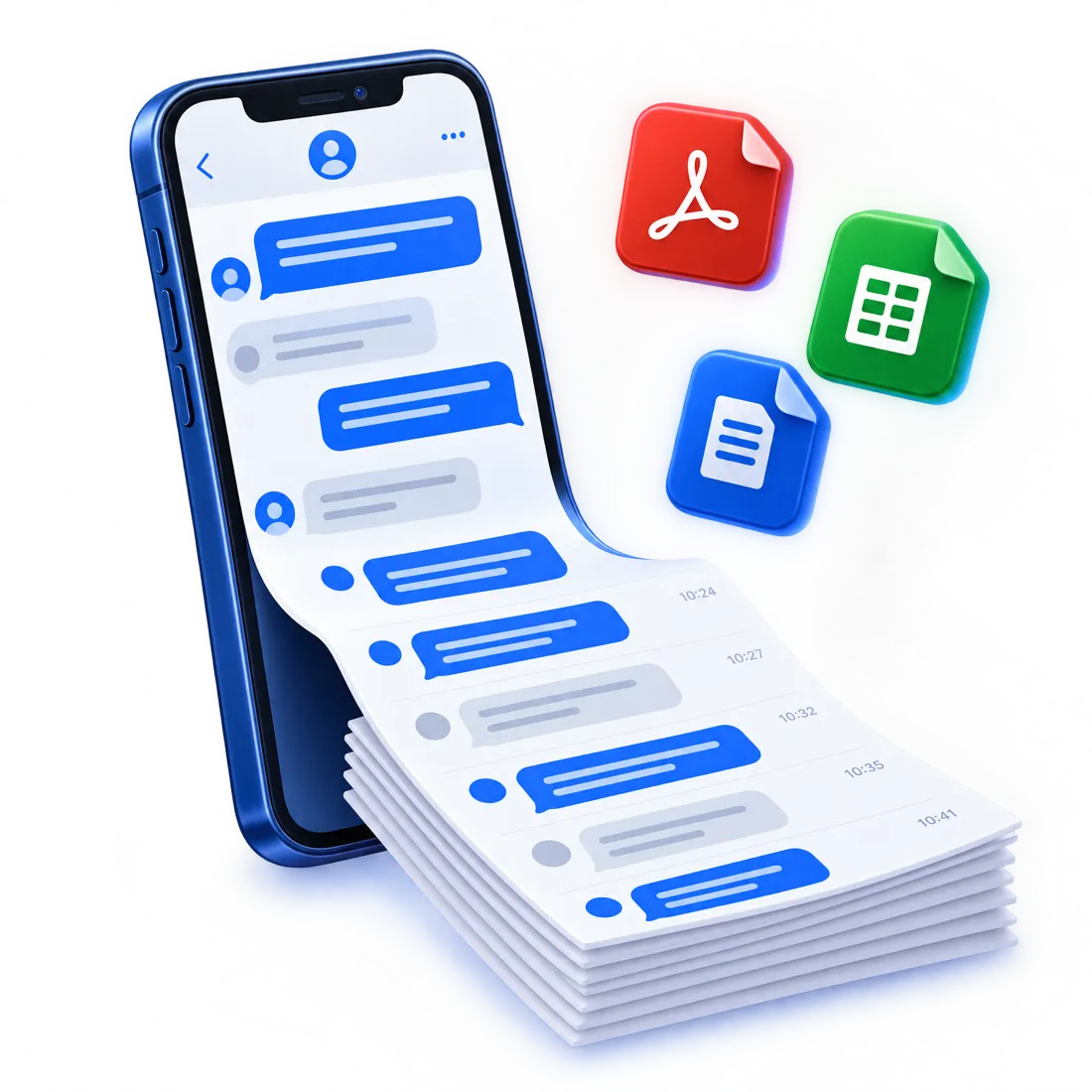
You can’t download messages from iCloud the way you download photos or files: iCloud.com has no Messages app and no download button for texts. Messages in iCloud is a sync service. The way to get messages “from iCloud” is to turn on Messages in iCloud on an iPhone, iPad or Mac signed in to the same Apple Account; the messages then appear in the Messages app on that device, and from there you can save them as a file.
Why you can’t see messages on iCloud.com
Apple lists what you can open after signing in to iCloud.com on an iPad or computer: Photos, iCloud Drive, Notes, Mail, Calendars, Contacts, Reminders, Pages, Numbers, Keynote, Find My, account details and Apple Invites. Messages isn’t on the list, on a computer or on an iPhone (Apple: Which iCloud.com features are available in the browser on your device, checked November 2026).
What Messages in iCloud does instead is keep the Messages app on your Apple devices in step. In Apple’s words, “your messages are stored in the cloud, with only the most recently accessed Messages stored locally on your device”, and you can see them “on any device that’s set up for iCloud and Messages, including your iPhone, iPad, and Mac” (Apple: Keep your messages up to date with iCloud).
Download iCloud messages to an iPhone or iPad
Turning the feature on makes the messages stored in iCloud appear on the device. Apple’s steps (Set up iCloud for Messages on all your devices):
- Go to Settings > [your name] > iCloud.
- On iOS 17.2 or later, tap See All (or Show All), tap Messages in iCloud, then turn on Use on this iPhone. On iOS 16 to 17.1, tap Show All, tap Messages, then turn on Sync this iPhone.
- Open the Messages app. Apple puts it plainly: “To see messages stored in iCloud, open the Messages app.”
Two checks from the same page if conversations are missing:
- Use the same Apple Account as the device the messages came from. Otherwise, Apple says, “your messages won’t be kept up to date on the device”.
- For green-bubble SMS and MMS to reach your other devices, turn on Text Message Forwarding under Settings > Messages on the iPhone.
Apple says only the most recently accessed messages are stored on the device itself, so give a long history some time on Wi-Fi before deciding that something is missing.
Download iCloud messages to a Mac
- Open Messages on the Mac and choose Messages > Settings.
- Click iMessage, then select Enable Messages in iCloud.
- Choose which phone numbers and email addresses to use on the Mac.
Messages stored in iCloud then become available in the Messages app on the Mac (same Apple page). From there, File > Print can save a conversation as a PDF (Apple: Print or create a PDF of a conversation).
What about a Windows PC or Android phone?
Apple offers no Messages app for Windows or Android, and iCloud.com doesn’t show messages, so there’s no official way to read or download iCloud messages there. The workable route is to make a file on an Apple device first and move the file. Software such as iMazing and Decipher TextMessage runs on Windows, but it reads a backup of the iPhone itself, not iCloud (iMazing, Decipher Tools).
Turn the messages into a file you can keep
Once the conversation is in the Messages app, syncing still isn’t a download: delete a message on one device and, as Apple notes, the change appears everywhere. A file is the copy that stays put.
The routes, free ones first, are compared in how to export text messages from iPhone. We make Exportly, one of the iPhone apps on that list. With it:
- Tap Import a Chat, choose Messages, then Exportly Shortcut (iOS 26 or later).
- Pick the conversation and a range, from Last 3 months to Everything (slowest).
- Open the chat, tap Export Chat, and choose PDF, Excel, Word, CSV, Text or HTML.
- Save the file to the Files app, where iCloud Drive is one of the locations, or share it.
A file saved to iCloud Drive is something you really can open on iCloud.com or a PC. Importing and previewing are free; exporting needs Exportly Pro, a weekly or yearly subscription with the price shown in the app before you buy. The conversation is processed on your iPhone and never uploaded by the app.
For the wider picture, including iPhone backups and the Keep Messages setting, see how to save text messages on iPhone.
Questions people ask
Can I view my text messages on iCloud.com?
No. Messages isn’t among the apps Apple lists for iCloud.com. Messages stored in iCloud are shown in the Messages app on an iPhone, iPad or Mac.
How do I download messages from iCloud to a new iPhone?
Sign in with the same Apple Account and turn on Messages in iCloud > Use on this iPhone. The conversations appear in Messages.
Do messages in iCloud use my storage?
Yes. Apple notes that messages, with their photos and other attachments, count toward your iCloud storage.
If I delete a message on my iPhone, is it still in iCloud?
No. With Messages in iCloud on, deleting a message on one device updates all of them. Save a copy as a file before deleting anything you may need.