
Best WhatsApp Chat Exporter Apps for iPhone
The best WhatsApp chat exporter starts with WhatsApp itself: its free Export chat feature saves any chat as a ZIP file, with or without media. What it doesn’t give you is a readable document. iPhone apps like ChatPDF, Chat Keeper and Exportly open that file and turn it into a PDF, a web page or an archive you can browse. Desktop tools like iMazing and Decipher Chat skip the export and read WhatsApp data from an iPhone backup on a Mac or PC.
We make Exportly, one of the apps below. Everything here comes from WhatsApp’s help center and each developer’s App Store listing or website, checked on October 8, 2026. We haven’t run comparison tests.
Step one for every option: WhatsApp’s Export chat
Most iPhone apps in this list start from WhatsApp’s own export, so it helps to know what it produces.
- Open the individual or group chat.
- Tap the contact’s or group’s name, then Export chat.
- If the chat has media, choose With all media, With selected media… or Without media.
- Choose where to send it, such as Save to Files, or share it straight to an app.
WhatsApp says the chat is exported as a ZIP file, view once messages aren’t included, and the export can’t be imported back into WhatsApp because it’s a text file, not a backup (WhatsApp Help: How to export your chat history).
Inside the ZIP is a plain text file of the chat and, if you included them, the media files. It’s complete but awkward to read. Our guide on how to open an exported WhatsApp chat on iPhone explains what’s inside.
WhatsApp export tools compared
| Tool | Runs on | Starts from | What you get (per developer) | How you pay |
|---|---|---|---|---|
| ChatPDF | iPhone | WhatsApp export file | PDF, with sender and date filters | One-time upgrade |
| Chat Keeper | iPhone | WhatsApp export file | Archive; share as web page, PDF or text | No in-app purchases listed |
| WT Chat Backup | iPhone | WhatsApp export file | Archive with a WhatsApp-style viewer | Subscription |
| WA Chat Export Viewer | iPhone | WhatsApp export file | Viewer with search | Free |
| Exportly | iPhone | WhatsApp export file | PDF, Excel, Word, CSV, Text, HTML | Weekly or yearly subscription |
| iMazing | Mac, Windows | iPhone backup | PDF, Excel, CSV, TXT, with attachments | Yearly subscription |
| Decipher Chat | Mac, Windows | iPhone backup | WhatsApp, WeChat, Viber chats | One-time purchase |
Ratings below are from the US App Store on October 8, 2026, and will change. Check the App Store or developer site for current prices.
iPhone apps that convert the export
ChatPDF Backup messages to PDF
ChatPDF turns WhatsApp exports into a PDF. You can choose a sender and start and end dates, and pick a page size of “A4, Letterhead or even your iPhone screen size”. It says processing is “100% On-Device” and that it “only supports exporting the chat history from WhatsApp”. Exporting needs a one-time purchase (App Store). 68 ratings, average 3.1; last updated September 29, 2026.
Good for: a printable WhatsApp PDF with a choice of page sizes, paid once.
Chat Keeper
Chat Keeper describes itself as a “private archive for your WhatsApp conversations”. You can share one conversation as a web page, as a PDF for printing, or as plain text. It says it “never uploads your conversations”, and it’s upfront that an archived chat “cannot be put back into WhatsApp” and that it “does not recover messages that are already gone”. The US App Store page showed no in-app purchases (App Store). 58 ratings, average 4.2; last updated September 29, 2026.
Good for: keeping many WhatsApp chats in one browsable place.
WT Chat Backup Restore Delete
WT Chat Backup imports exported chats so you can “view chats just like WhatsApp”, export them to a drive or other storage, and lock the app with a passcode. Its listing doesn’t mention PDF export (App Store). 2,028 ratings, average 4.5; last updated January 8, 2026.
Good for: reading old chats in a familiar layout.
WA Chat Export Viewer
A free viewer for WhatsApp’s .txt and .zip exports, with search and a media viewer. It says no chat data is uploaded and doesn’t mention PDF export (App Store). 4 ratings; last updated July 31, 2026.
Good for: opening and searching an export without paying.
Exportly
Exportly opens WhatsApp’s export file, photos included if you exported with media, and turns it into PDF (chat bubbles or plain text), Excel, Word, CSV, Text or HTML.
- In WhatsApp, use Export chat and share the ZIP to Exportly.
- Preview the chat. Names come from the WhatsApp export.
- Tap Export Chat, choose All or a Date range, pick a format and export or print.
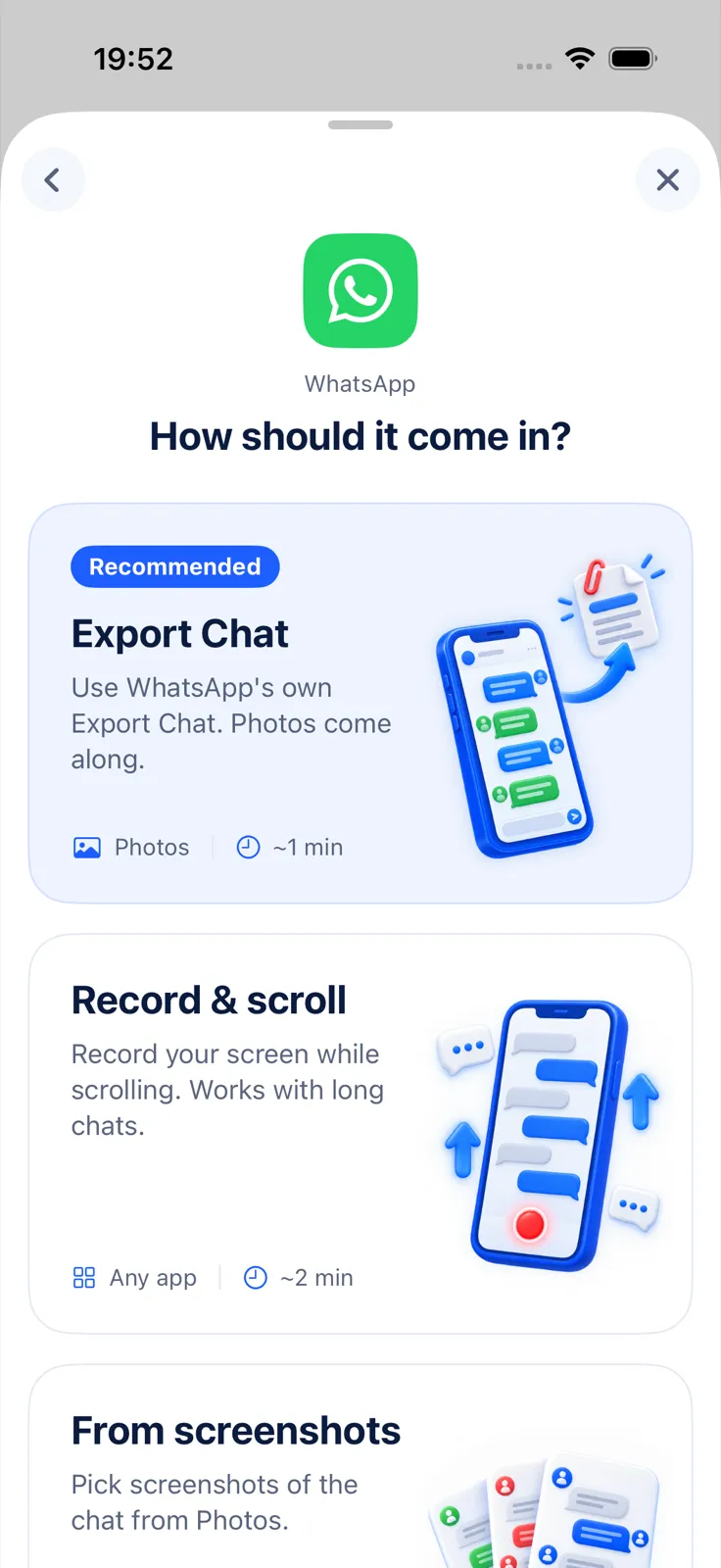
Because it reads the file rather than the screen, this route works for chats in any language. Exportly reads both iPhone and Android export layouts, day-first or month-first dates, and 12- or 24-hour times. Photos are embedded in PDF, Word and HTML; Excel gets one row per message with Date, Time, Sender, Message and Attachment columns. The chat is processed on your iPhone and never uploaded.
Importing and previewing are free; exporting, sharing and printing need Exportly Pro, a weekly or yearly subscription with the price shown in the app before you buy. Exportly doesn’t restore chats into WhatsApp, recover deleted messages or include voice notes and videos in exports.
Good for: Word and Excel output from a WhatsApp chat, as well as PDF.
Desktop tools that read a backup
iMazing
iMazing exports WhatsApp chats to PDF in a layout that preserves the familiar WhatsApp look, plus Excel, CSV and TXT. It shows group events and message status (sent, delivered, read, deleted), handles all attachment types and fully supports WhatsApp Business. Data is pulled from an iTunes or iMazing backup (iMazing). Since June 2025 it’s sold as a yearly subscription (iMazing licensing policy).
Good for: detail no export file contains, such as message status, and WhatsApp Business.
Decipher Chat
Decipher Chat reads WhatsApp, WeChat, Viber and Burner chats from iPhone backups. It’s a one-time purchase with no subscription and two device activations; the developer lists a latest update of August 24, 2026 (Decipher Tools).
Good for: paying once on a computer, and for Viber or WeChat too.
TouchCopy from Wide Angle Software also lists WhatsApp among the conversations it exports from a PC or Mac, as PDF, HTML, CSV or plain text (TouchCopy).
How to choose
- One chat as a PDF, on the phone: an iPhone converter. Compare whether you need page sizes (ChatPDF) or other formats (Exportly).
- A searchable archive of many chats: Chat Keeper, WT Chat Backup or WA Chat Export Viewer.
- Message status, all attachments or WhatsApp Business detail: a desktop tool.
- The photos inside the document: export With all media in WhatsApp first; see how to export a WhatsApp chat with media.
For the full walkthrough of the free route, read WhatsApp to PDF on iPhone. For text messages rather than WhatsApp, see the best apps to export text messages on iPhone.
Questions people ask
Can WhatsApp export a chat to PDF by itself?
No. Export chat produces a ZIP file. A converter app or desktop tool turns it into a PDF.
Can I put an exported chat back into WhatsApp?
No. WhatsApp says the export can’t be re-imported because it’s a text file, not a backup. Chat Keeper says the same of its archive, and Exportly doesn’t restore chats into WhatsApp either.
Is there a WhatsApp exporter without a subscription?
Yes. As of October 8, 2026, ChatPDF lists a one-time upgrade, Decipher Chat is a one-time purchase, and WA Chat Export Viewer is free.
Also available in: Deutsch · Español (México) · Français · Italiano · Português (Brasil) · Türkçe