
How to Download Your Facebook Messenger Messages
To download your Messenger messages, use Export your information in Accounts Center, which works in the Messenger app on iPhone. End-to-end encrypted chats have a separate route, Download chat backup, which Meta says “is currently only available on a computer” (Messenger Help). Neither gives you one conversation as a readable document. For that, you capture the chat yourself, keeping in mind that Messenger notifies people when it detects a screenshot or screen recording in an end-to-end encrypted chat.
How to download Messenger messages on iPhone
This is the general data export, and you start it from Messenger’s settings.
- Open Messenger, tap Menu, then Settings.
- Scroll down and tap See more in Accounts Center.
- Tap Your information and permissions > Export your information > Create export.
- Select your profile, then Export to device.
- Choose the information, the date range, the notification email and the format.
- Tap Start export.
Source: Messenger Help, iPhone app. Meta is moving some accounts from Accounts Center to Meta Account settings, so the name may differ on your phone.
How to download end-to-end encrypted Messenger chats
Encrypted chats are downloaded separately, and only on a computer.
- On a computer, go to facebook.com and click Messenger at the top right.
- Next to Chats, click Options.
- Click Chat history > Last backup > Download chat backup.
This gives you “a copy of all your end-to-end encrypted messages”. Meta notes the feature “is gradually being introduced and may not be available to you yet” (Messenger Help).
Meta’s Accounts Center page doesn’t say whether end-to-end encrypted messages are included in Export your information, so if your chats are encrypted, use this route as well.
Is my Messenger chat end-to-end encrypted?
Check the chat’s settings for the label End-to-end encrypted. Meta says it’s “in the process of securing personal messages with end-to-end encryption by default”. Chats with businesses and Marketplace chats aren’t end-to-end encrypted (Messenger Help).
HTML or JSON: which format to pick
Choose HTML if you want to read your messages yourself. Facebook’s export page describes HTML as a ZIP with an “index” file you open in a web browser, and JSON as a machine-readable format for importing into other tools. Once your file is ready, you have 4 days to download it (Facebook Help Center).
How to export one Messenger chat as a readable file
Meta’s tools export your information by type and date range, or all your encrypted chats at once. To keep a single conversation you can read, print or send, capture it from the screen. Before you do, read this from Meta:
“If we detect that someone took a screenshot or a screen recording of your end-to-end encrypted chat, you and the people in the chat will be notified.”
Meta adds that it “may not be able to detect all” of them (Messenger Help). So in an encrypted chat, assume the other person may see that you captured it. Meta documents no such notification for chats that aren’t end-to-end encrypted.
Turn a Messenger recording into a PDF with Exportly
Exportly is an iPhone app that reads a screen recording or screenshots of a chat and turns them into a document.
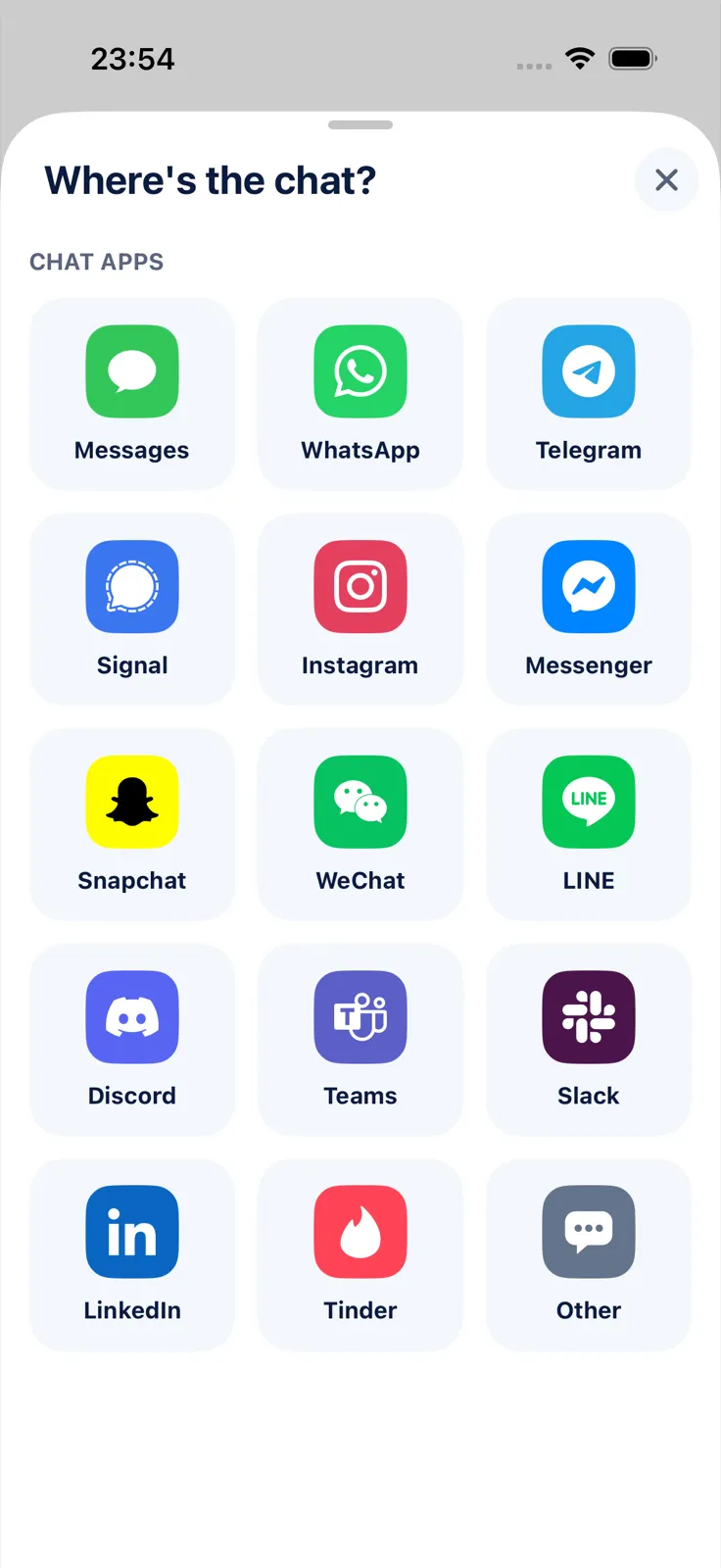
- In Exportly, add a chat and choose Messenger.
- Choose Record & scroll, start the recording and scroll through the conversation from the first message you need. Or choose From screenshots and pick screenshots you already took.
- Optionally type the other person’s name as the contact name; your own messages show as “You”.
- Check the preview, tap Export Chat and choose PDF, Word, Excel, CSV, Text or HTML. Under Messages, keep All or set a Date range.
Be upfront with yourself about the limits: in an end-to-end encrypted chat, recording or screenshotting may notify the other people, as Meta explains above. Exportly reads English and Turkish text only for now. Importing and previewing are free; exporting, sharing and printing need Exportly Pro (weekly or yearly, price shown in the app before you buy). The chat is processed on your iPhone and never uploaded.
Not sure which file type to choose? See PDF vs Excel vs Word for chat exports. For Instagram DMs, which use the same Meta tools, see how to download your Instagram messages. More apps are covered in how to export a Telegram chat on iPhone.
Questions people ask
Can I export one Messenger conversation?
Not with Meta’s tools, which export your information by type and date range, or all encrypted chats at once. For one readable chat, record or screenshot it and turn that into a document.
How do I download end-to-end encrypted Messenger chats?
On a computer: facebook.com > Messenger > Options next to Chats > Chat history > Last backup > Download chat backup. Meta says this isn’t available in the phone app.
Does Messenger notify when you screenshot a chat?
In end-to-end encrypted chats, yes, when Meta detects a screenshot or screen recording. Meta adds that it may not detect all of them.
Does Messenger still have vanish mode?
No. Meta says vanish mode is no longer supported on Messenger and has been replaced by disappearing messages.
Also available in: Deutsch · Español (México) · Français · Italiano · Português (Brasil) · Türkçe